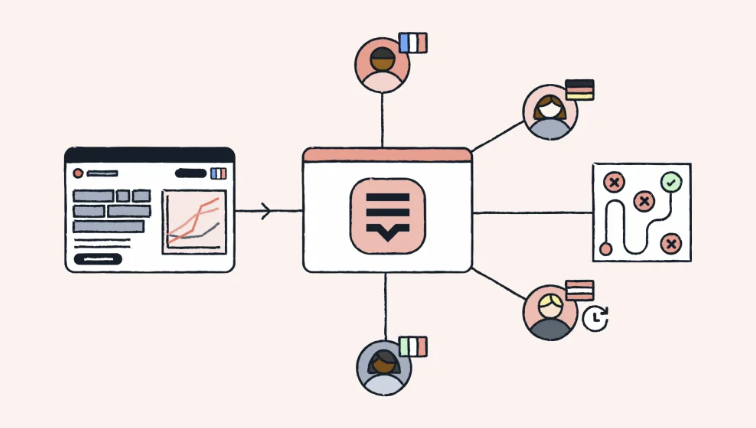


In media localization, we often spend most of our time talking about subtitles, dubbing, voiceover, and audio workflows. But in real campaign work, graphics can create just as much localization complexity.
Think about thumbnails, title cards, CTAs, lower thirds, disclaimers, and text-on-image assets. These are not always long pieces of content, but they are highly layout-sensitive. A small copy update or a slightly longer translation can trigger a surprising amount of rework.
This project looks at one practical question:
When one graphic needs to support multiple languages, sizes, and copy updates, how do we avoid turning localization into manual layout cleanup?
I use Figma as the example because many design teams already work in Figma today. It is cloud-based, modular, collaborative, and template-driven, which makes it a good case for thinking about scalable localization workflows.
Design as Code
The idea behind this project is not that every localization workflow needs to become fully automated or engineering-heavy. The point is simpler: graphic localization works better when the asset is prepared for localization before translation starts.
Instead of treating a finished graphic as a flat image that needs to be manually edited for every locale, we can treat it as a structured template. That means the design file has named layers, flexible layout behavior, and text that can move through a more structured workflow.
In other words, the goal is not just to translate the graphic. The goal is to make the graphic localization-ready.
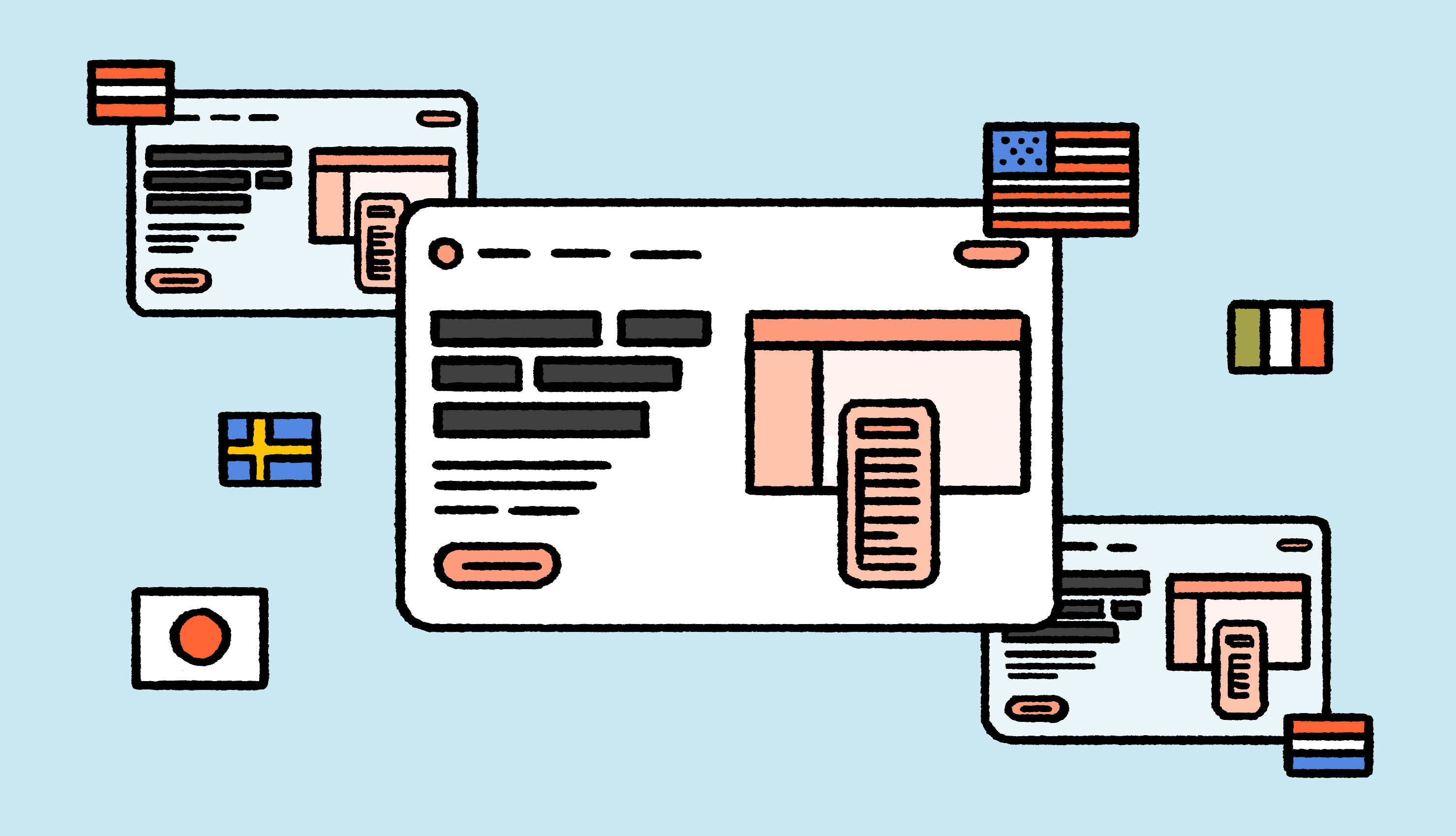
One Template Can Become 60 Graphics
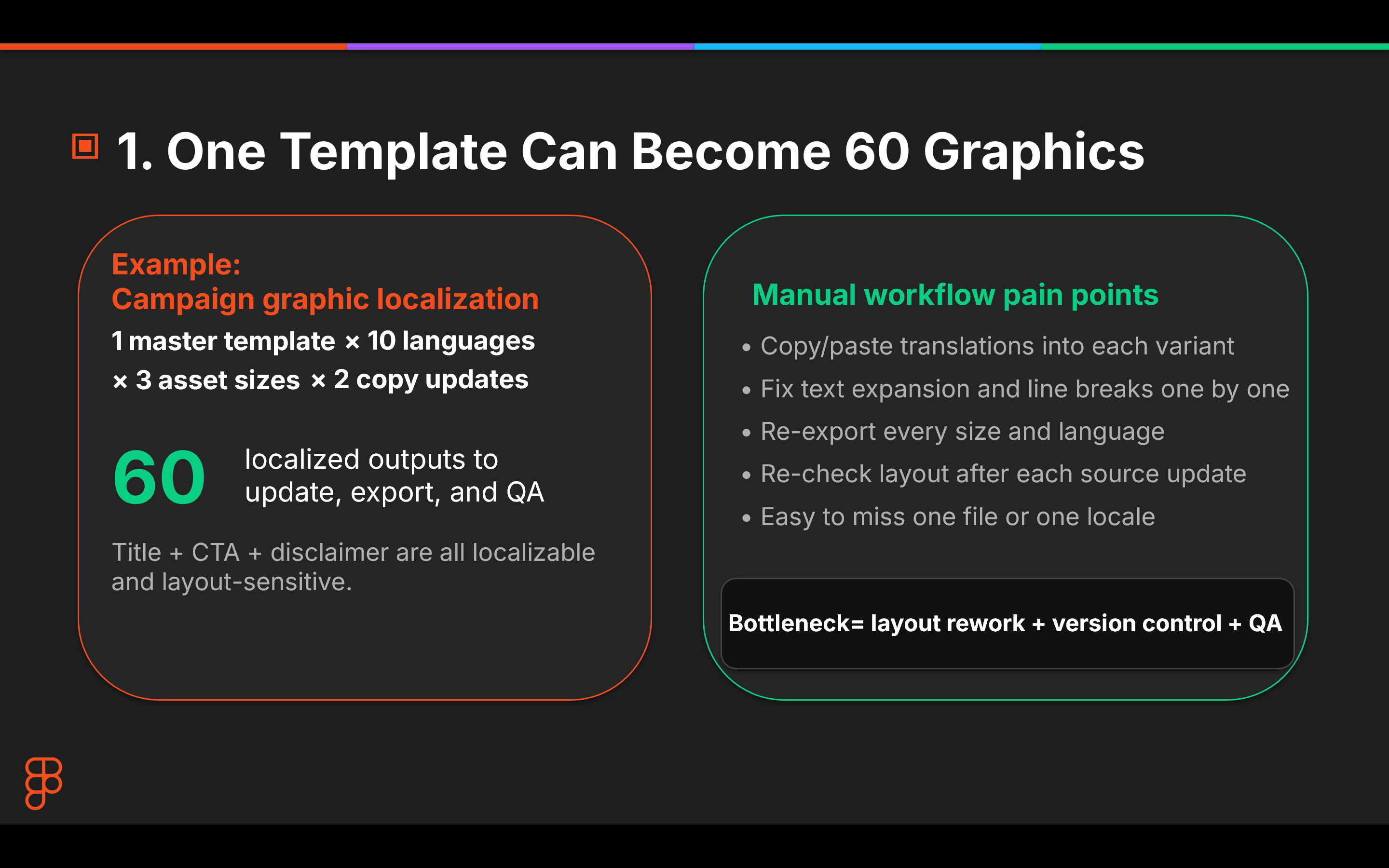
Here’s the math that makes this problem real.
One campaign graphic. Ten languages. Three asset sizes. Two rounds of copy updates. That quickly becomes 60 localized outputs to update, export, and QA.
At that point, translation is actually the easiest part.
The bottleneck is everything around translation: text expansion, line breaks, CTA resizing, export management, and repeated QA. Every time the source copy changes, the review loop can restart across every language and every size.
This is where manual graphic localization starts to break down. Teams end up doing the same layout fixes over and over across every locale.
The real bottleneck is not just translation. It is layout rework + version control + QA.
The Paradigm Shift
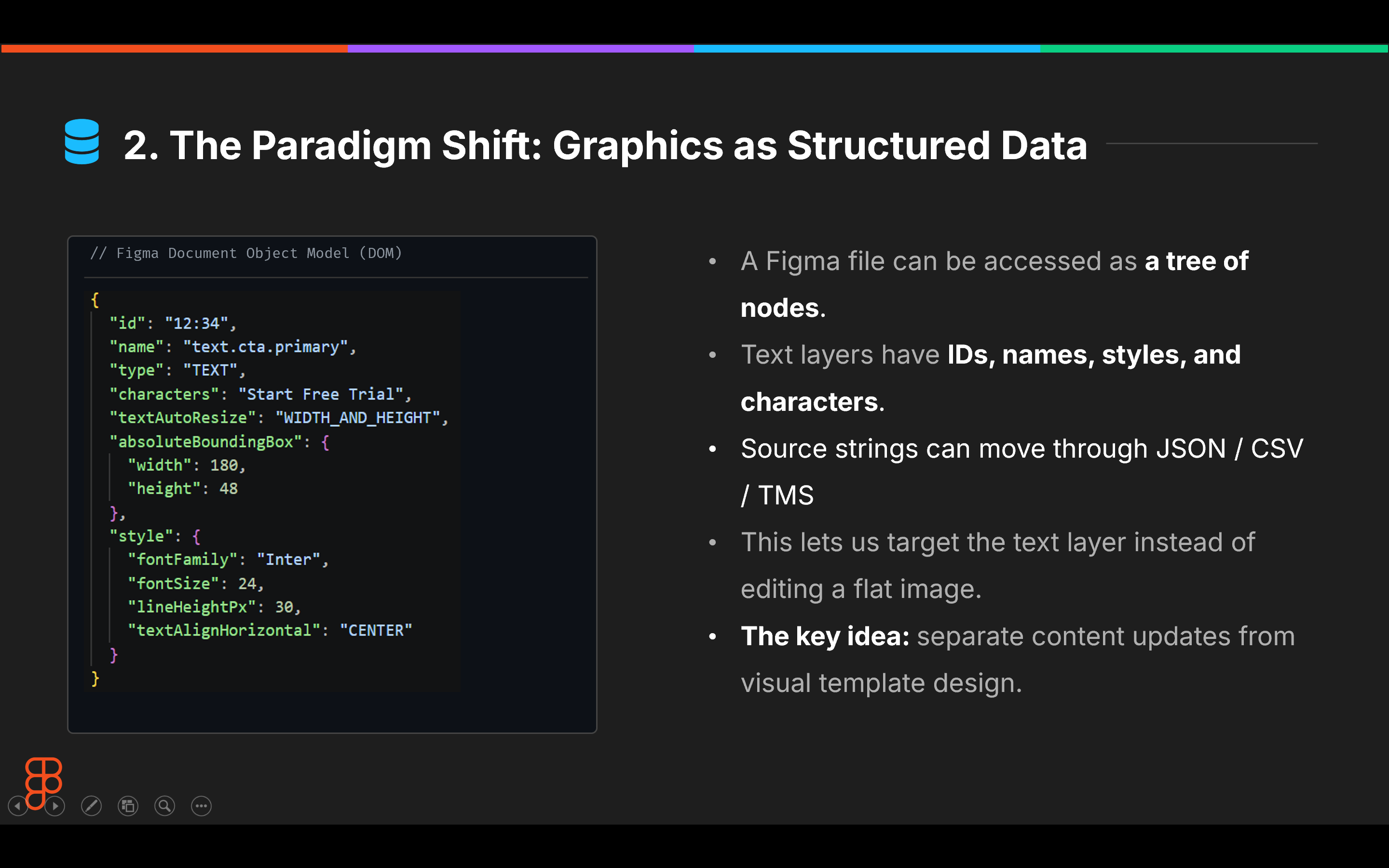
This is where Figma gives us a useful reframe.
A Figma file is not only a visual canvas. It can also be read as a structured document. Each text layer has a node ID, a layer name, style metadata, bounding box information, and a characters field.
That structure matters because it means source strings can be extracted into JSON or CSV, routed through a TMS-style workflow, translated, and mapped back to the exact layer they came from.
The key point is not that JSON is interesting by itself. The key point is that the graphic becomes a localizable template, not a set of disconnected image files.
Once the text layer is addressable, the workflow becomes more systematic:
extract the string → translate it → map it back → review the visual output
That is much easier to scale than manually editing every graphic variant one by one.
Design for Text Expansion
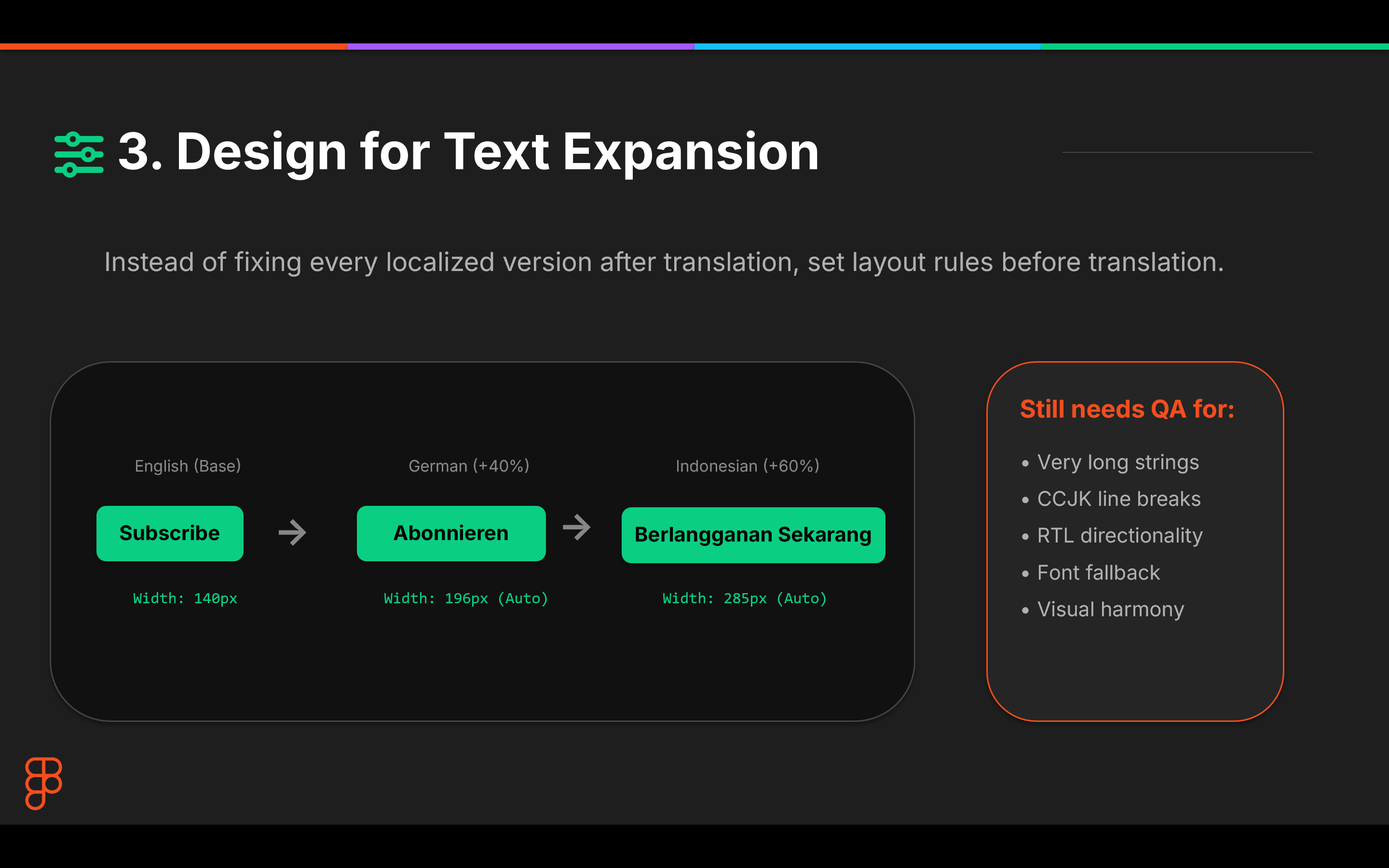
Structured extraction only works if the template itself can absorb translation.
This is where layout readiness matters. Some languages are longer than English. Some need different line breaks. Some require different font behavior or directionality. If the layout is rigid, the team will still spend most of its time fixing the design after translation.
A better approach is to build flexible behavior into the template upfront: auto-resize settings, flexible frames, clear text constraints, and layout rules that can handle common expansion cases.
This does not eliminate QA. It should not.
Human review is still needed for CCJK line breaks, RTL layout, font fallback, readability, and visual harmony. But the point is to reduce repetitive cleanup so reviewers can focus on the issues that actually require judgment.
Plugin First, API When It Scales
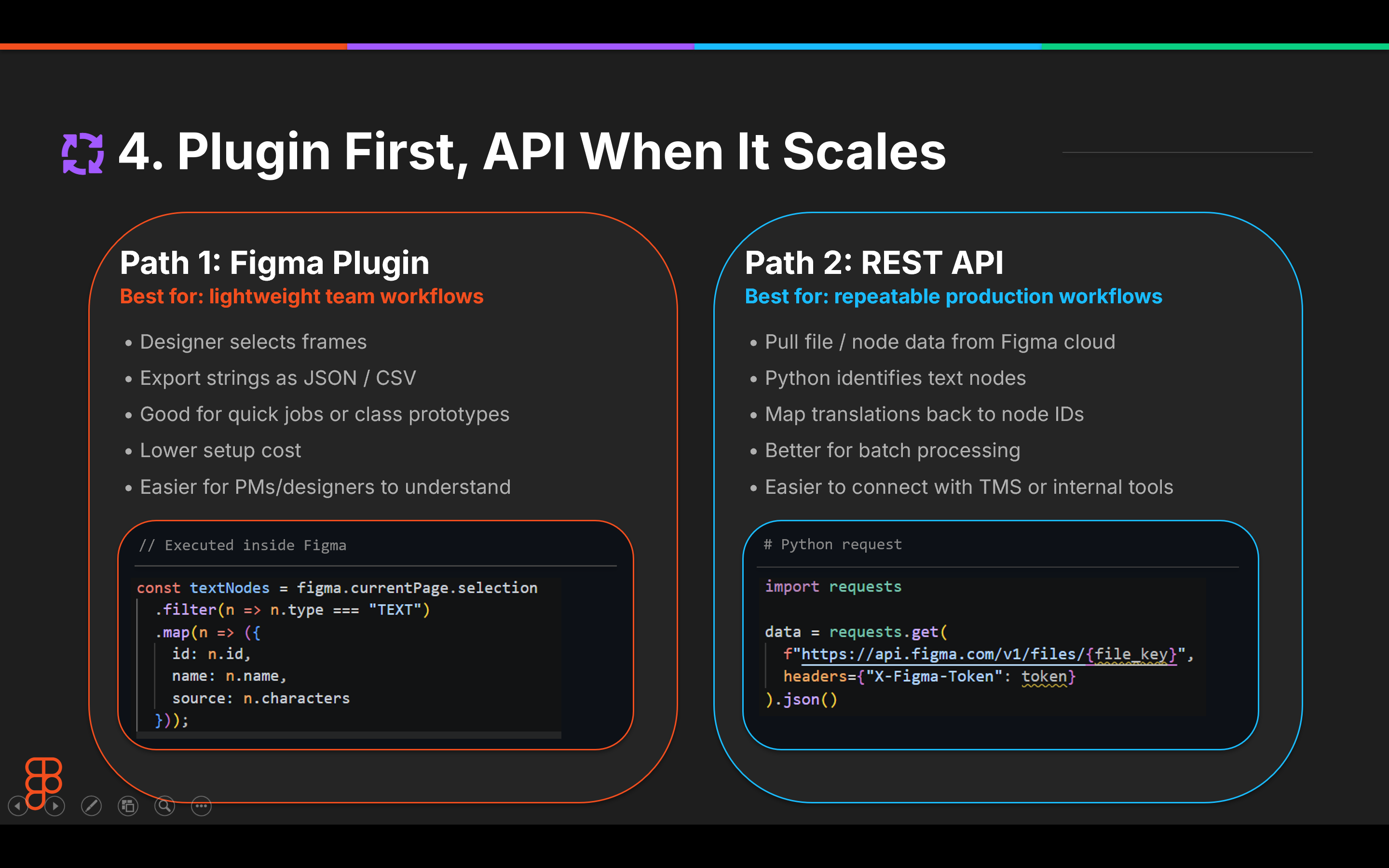
There are two practical ways to build this workflow.
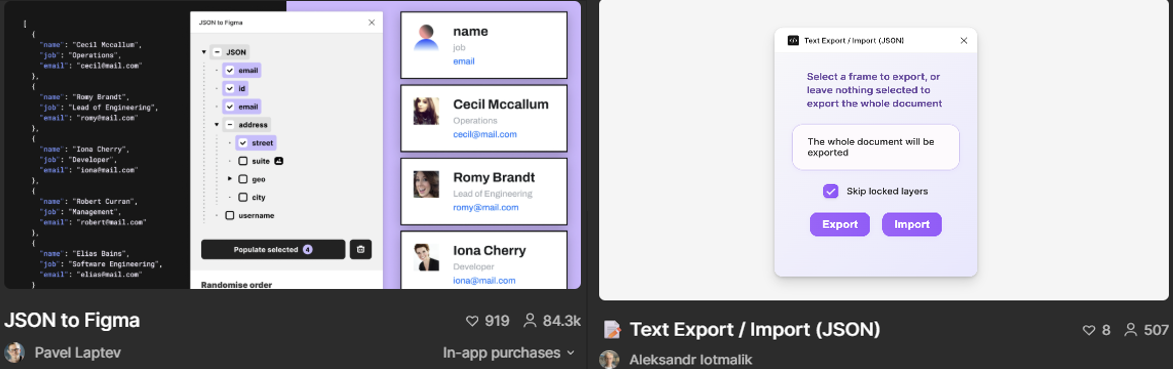
For lighter workflows, a Figma plugin is probably the most realistic starting point. A designer or localization PM can select frames, export strings as JSON or CSV, send them for translation, and bring them back into the design file. The setup cost is low, and the workflow is easier for non-engineering teams to adopt.
When the work becomes more repeatable, the REST API route starts to make more sense. A Python script can pull the Figma file as JSON, walk through the document tree, identify text nodes, and export fields like node ID, layer name, source text, font, and bounding box.
The extraction side is very practical. The Figma REST API can return JSON representations of whole files or specific nodes, which makes it possible to build a clean localization handoff file. The part I would be more careful about is the write-back step. In practice, I would use the REST API for extraction and mapping, then use a Figma plugin or controlled internal workflow for re-import and visual QA.
A practical way to frame it is:
Plugin first for adoption. API when the workflow needs to scale.
Pipeline
The real shift is simple:
Stop localizing finished graphics. Start designing graphics that are ready to be localized.
That means stable layer names, flexible layouts, and data-driven text should be built in from the start. With that foundation, teams can move away from repetitive layout fixes and focus human review where it actually adds value.
This kind of workflow may be overkill for one-off assets. But for campaign graphics that repeat across languages, sizes, and copy updates, it can make localization cleaner, more predictable, and easier to scale.
The broader takeaway is that localization should not only happen after design. For high-volume media assets, localization readiness is part of the design system itself.